CardTrader
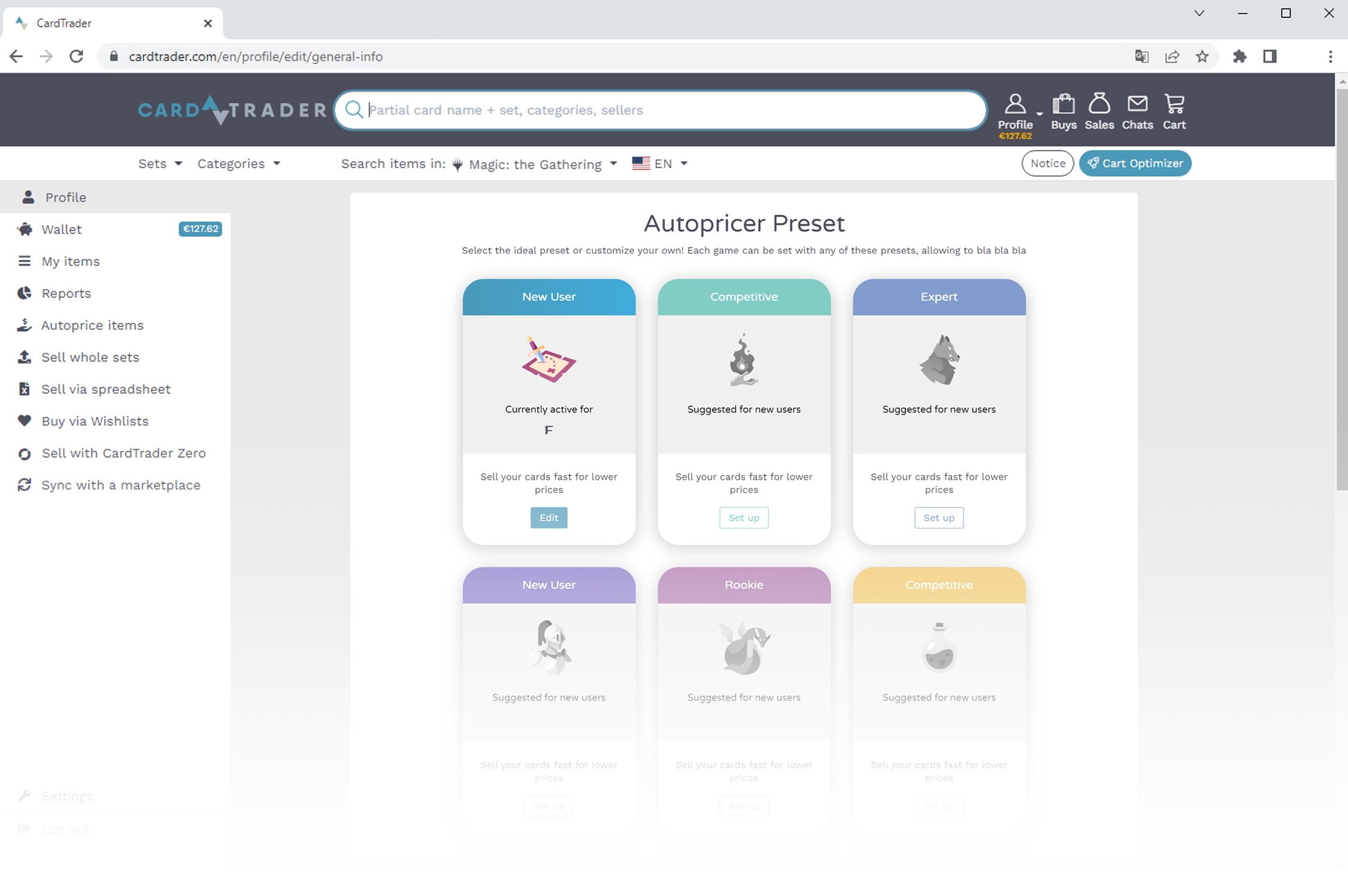
Autopricer

In this guide, we'll let you know the difference in printing your trading cards from around the world

Why use CardTrader Autopricer?

Whether you are a private or a company, pricing your inventory appropriately is a challenge you will constantly face.
If you have thousands of listings, it's impossible for you to keep all of your prices updated, cards prices can rise or drop drastically.
CardTrader Autopricer helps you sell all those older overpriced cards and maximize profit for cards that are increasing in value.

Basic Settings and how they work

No matter what pricing strategy you choose, there are two key settings that affect all your listings:
➤ Minimum Price
Sets a lower limit for your item prices. For example, if you set the minimum price to €0.20, none of your cards will be listed below that amount.
➤ Update Frequency
Determines how often your prices are updated. You can choose to update them once per day, week, or month.

You can also organize your cards into one or more pricing groups, divided into price ranges based on their current value. Each group can be updated separately with its own rules. When CardTrader Autopricer runs, it applies the rules for the price range the card is in at that moment. After the price is updated, the card may fall into a different range based on its new price.

Reference Price

For each price range, you can set a reference price and apply a modifier. The final price of your items will be based on the selected reference price, adjusted by the modifier.CardTrader Autopricer takes into account the specific properties of each item (such as condition and language) to ensure accuracy and reliability.

The available reference price types are:

CT Lowest Price
The lowest price currently available on the marketplace.

CT Market Price
The balanced average of the first 15 listings on the marketplace.

Positioning 
Lets you choose a specific position in the price list.
For example:
Position 1 means your item will match the lowest available price.
Position 2 matches the second lowest price, and so on.If you want to stay competitive and always offer one of the lowest prices, you can apply a modifier (e.g., -0.01) to slightly undercut other sellers.You can choose whether to consider all listings or only CT Zero listings.
Example: if you select "Position 2 with CT Zero", your items will be priced exactly like the second-lowest CT Zero listing.

Current Price 
This refers to the price your items currently have, as shown on the "My Items" page.

Modifiers

Modifiers are applied after items have been set to the reference price.
You can choose between 2 different modifiers:
Percentage (+/- %)
Add or subtract a percentage to the reference price.
The number you enter after the modifier represents a percentage based on the selected reference price.
Fixed value (+/-)
Add or subtract a fixed amount to the reference price.
The number you enter is a fixed amount expressed in your currency.

Sample Strategies

Start off deciding your strategy, here are some examples:

You can be the cheapest seller.
Just select [Min Price] and a fixed amount of -0,01.
You can obtain the same result by choosing [Position 1] and a fixed amount of -0,01.

You can lower your prices over time.
Set your reference price to [Current Price] and choose to reduce your prices by a percentage or fixed amount.
If you choose -1% every week, your prices will be decremented by 1% every week.

You can maintain your listings at market price.
Select CT Market Price price and add a modifier. If you don’t add any modifiers your prices will simply be set to the CT Market Price. You may add a modifier to be more or less competitive on your listings. For example you can keep your items at the CT Market Price, with or without a Percentage modifier.

Fragment Option (cooming soon)

If you own multiple copies of the same card you can fragment your listings by using our fragment option.
This means splitting your items on different price thresholds in order to have groups of items with different increasing prices. 

You can select two parameters:

• The fragment Threshold
Items will be split every x copies.
This means that if you own 20 copies of the same card and you choose 4, they will be split into 5 groups of 4 copies each.

The fragment Price Percentage
This percentage will affect how the price of thresholds will be modified on a percentage basis.

Let’s use a 10 EUR card as an example you own in multiple copies and you decide to fragment in groups of 4. If you choose 10% the first 4 cards will be priced at 10 EUR, the next 4 will be priced at 11,00 EUR,  the next 4 at 12,00 EUR and so on. ù
The percentage is always applied to the first copies and it doesn't count the previous threshold. It’s +10% on 10 EUR for each step.